
What Makes a Good Website?
What makes a good website? It comes down to a clear purpose, easy navigation, a design that fits your brand, and a site that loads fast and works on any device. Get those right and your site does more than look nice. It keeps people around and gives them a reason to act.
Your website is often the first place potential customers learn about your business. If it’s confusing or slow, many website visitors won’t stick around long enough to see what you offer.
Whether you’re building a new site or redesigning an old one, this guide covers the website must-haves that separate a good website from a great website. Each one includes simple steps you can put to use right away.
8 Good Website Features Every Site Needs
1. Simple, Easy Navigation
People should be able to find what they need fast. Think of a mall. Signs point you to the right store, and staff inside help you find the right product. Your website’s navigation does both of those jobs, and it shapes the whole user experience.

Give each topic its own page and organize your pages in a logical order. Then use these tips:
- Keep the menu short: Too many options make it hard to decide where to go. Stick to the pages that matter most.
- Use clear labels: Visitors should know what they’ll get before they click. Skip clever or vague names.
- Add a search bar: On larger sites, search helps people jump straight to what they want.
- Stay consistent: Use the same menu on every page so visitors learn your layout quickly.
- Put key pages up front: Pages people look for often, like Contact or Products, should be easy to spot.
- Use a helpful footer: Repeat key links like Contact, About, and Privacy Policy at the bottom of each page. People often scroll there when they can’t find something.
- Fix broken links: A link that leads nowhere frustrates visitors and makes your site look neglected. Check for broken links regularly.
2. High-Quality, Fresh Content
Good content keeps people on your site longer. Visitors don’t want bland copy. They want relevant content that solves a problem or makes their day easier.
Ask a web designer “What should a website include?” and content will be near the top of the list. Website content isn’t only blog posts. Your homepage, service pages, product pages, and About page all count. Each one should match user intent, which means answering the questions a visitor is likely to have on that page. If customers keep calling with the same question, that’s a sign the answer belongs on your site.
Keep your content:
- Short and clear: Visitors skim. Get to the point.
- Easy to understand: Skip jargon, corporate speak, and acronyms your audience may not know.
- Accurate: Check spelling and facts before you publish.
- Focused on your “why”: Tell people why your business does what it does.
- Up to date: Add new posts and refresh old pages regularly. Fresh content gives visitors a reason to come back, and it helps your SEO.
Don’t forget social proof. Customer reviews, testimonials, and case studies show new visitors that real people trust your business.
Creating high quality content takes time and effort. But quality content is what keeps a good website working. It’s not something you can skip.
3. Strong SEO
A good website still needs website traffic. Without it, the work you put into design and content won’t pay off. Search engine optimization (SEO) helps the right people find you through search engines like Google.
There are a lot of SEO best practices. These are a good place to start:
- Do keyword research: Find the words your audience uses to search for what you offer. Use relevant keywords naturally in your content and links.
- Write strong meta tags: Give every page a clear title and meta description. These show up in search engine results and help people decide to click.
- State your main topic on each page: Every page should make it obvious what it’s about.
- Optimize images: Add descriptive alt text and file names, and keep file sizes small.
- Build a clean site structure: Use a logical page order, simple URLs, and tidy code. This makes your site easier for search engines to crawl.
- Keep your site secure: Use HTTPS and keep your software up to date. Website security protects your visitors and builds trust.
- Earn backlinks: Links from trusted sites build your authority. Guest posts, partnerships, and shareable content can help.
- Use local SEO: If you have a physical location, add location-based keywords and set up a Google Business Profile.
- Add structured data: Also called schema markup, this helps a search engine understand your content.
Then track your results. A free tool like Google Analytics shows where your web traffic comes from, which pages get the most visits, and where people leave. That tells you what to fix next.
4. Engaging, Functional Design
Good website design isn’t only about looks. It shapes the user experience and how people move through your site. Strong visual design grabs attention and makes people want to keep exploring. And that kind of user engagement is what turns a good website into a great website.
Use these tips to build a site that looks good and works well:
- Keep the layout clean: Clutter overwhelms people. Use plenty of white space so your content is easy to read.
- Build a clear visual hierarchy: Make the most important things on the page, like headlines and buttons, the easiest to see. This guides the eye where you want it to go.
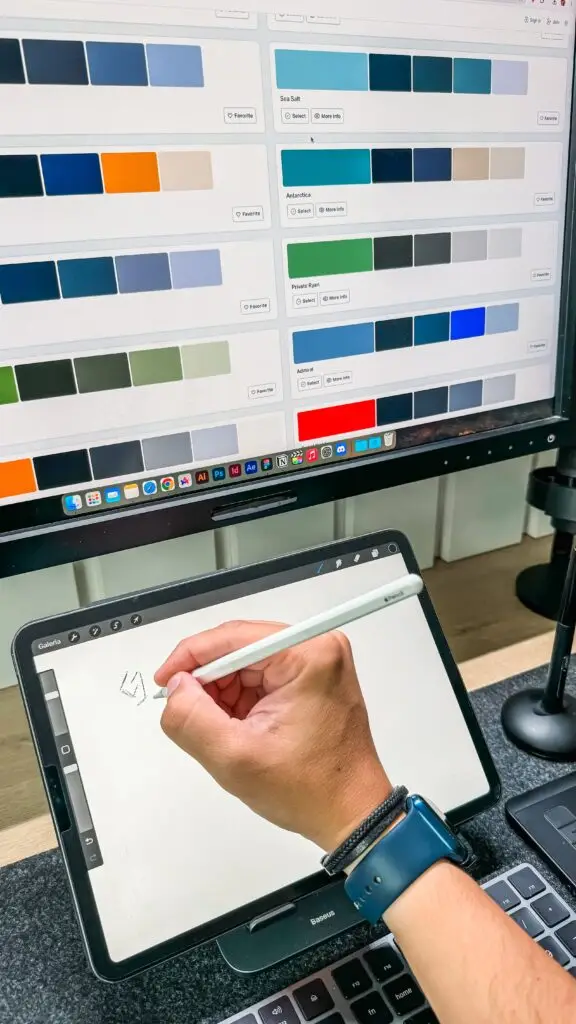
- Pick colors that fit your brand: Colors affect how people feel about your site. Choose a palette that matches your brand and is easy on the eyes.
- Stay on brand: Use the same logo, colors, graphic design style, and tone across every page. A consistent look helps people recognize your business and builds trust.
- Use readable fonts: Text should be large enough and contrast well with the background on every device.
- Make buttons easy to use: Buttons and links should be easy to find and sized for both desktop and mobile.
5. Quality Images and Multimedia
No one wants to read a wall of text. Bullet points help, but images and video add visual appeal that text alone can’t. The right image shows people what a page is about at a glance.
Visuals also make information easier to take in. A short demo video can explain a product better than a long article. And an infographic can tell your brand story in a way plain text can’t.
When you can, use real photos of your team, products, or location. Stock photos have their place. But original images help people connect with your business and see what you actually offer.
Just make sure every visual is relevant and adds value. Keep load speed in mind too. Large images and heavy videos can slow your site down. So resize your image files, use web- and mobile-friendly formats, and check how your videos are embedded.

6. Clear Calls to Action
If your site doesn’t ask visitors to do anything, most won’t. Every page should have a clear next step.
Start with your site’s purpose. What do you want each visitor to do? Even informational sites want something, like reading and sharing articles, following you on social media, joining an email list, or getting in touch. A call to action (CTA) points people toward that goal.
Try to focus each page on one main action. If a page has five buttons asking for five different things, visitors may not pick any of them.
Tips for writing CTAs that work:
- Start with a verb: Words like “Buy,” “Subscribe,” or “Learn” tell people exactly what to do.
- Make them stand out: Use a color that contrasts with the rest of the page.
- Keep them short: Say clearly what happens when someone clicks.
- Place them where people look: Put CTAs near the top of the page or right after related content.
- Test different versions: Try different wording, designs, and placements to see what your audience responds to.
7. Mobile-Friendly Layout
Many people browse on phones and tablets [insert real stat here]. If your site is hard to use on a small screen, people will leave. And a bad mobile experience hurts how people see your brand.
Mobile visitors want quick, easy access to information. A good website gives them that on any device. It can also help how your site performs on search engines.
Make your site work on mobile:
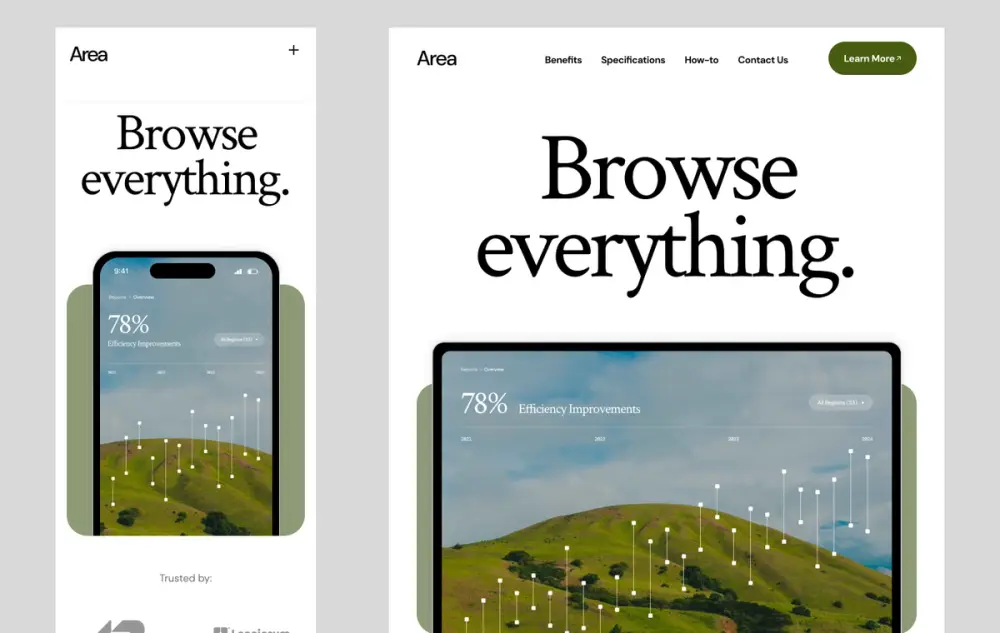
- Use responsive design: Build pages that adjust to any screen size, so one site works on phones, tablets, and desktops. Responsive design is now one of the standard website must-haves.
- Make tapping easy: Buttons and links should be big enough to tap with a finger.
- Speed things up: Compress images and trim extra code so pages load quickly.
- Keep forms short: Typing on a phone is a hassle. Only ask for the information you really need.
- Test on real devices: Check your site on different phones and tablets regularly.
You never know what device your next visitor will use. So plan for all of them.
8. Easy Accessibility
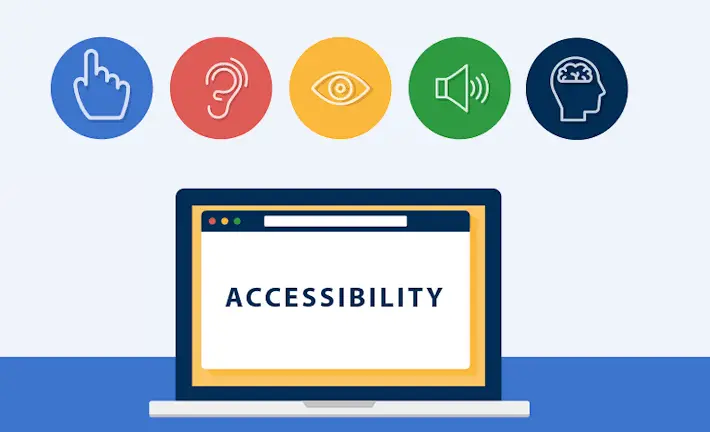
A website that only works for some visitors isn’t doing its full job. Web accessibility means building a site that everyone can use, including people with vision, hearing, motor, or cognitive disabilities. It’s one of the website must-haves that’s easiest to overlook, but it matters. An accessible site reaches a wider audience, gives every visitor a better user experience, and helps you meet accessibility standards like the Web Content Accessibility Guidelines (WCAG).
The best time to plan for accessibility is at the start. Building it in is much easier than fixing problems later. Many of these steps also overlap with good SEO and design, so they pay off in more than one way.
Use these tips to make your website accessible to everyone:
- Add alt text to images: Screen readers read alt text out loud, so visitors who are blind or have low vision know what each image shows.
- Use a logical heading structure: Tag your headings in order (H1, then H2, then H3). This helps people using assistive technology understand how the page is organized.
- Support keyboard navigation: Some people use a keyboard instead of a mouse. Make sure every menu, button, link, and form works with the keyboard alone.
- Choose legible fonts: Pick clean, easy-to-read fonts, and make sure text can be enlarged without breaking the layout.
- Check color contrast: Text should stand out clearly from its background. Don’t rely on color alone to share information, like marking an error only with red text.
- Add captions and transcripts: These help visitors who are deaf or hard of hearing follow your videos and audio.
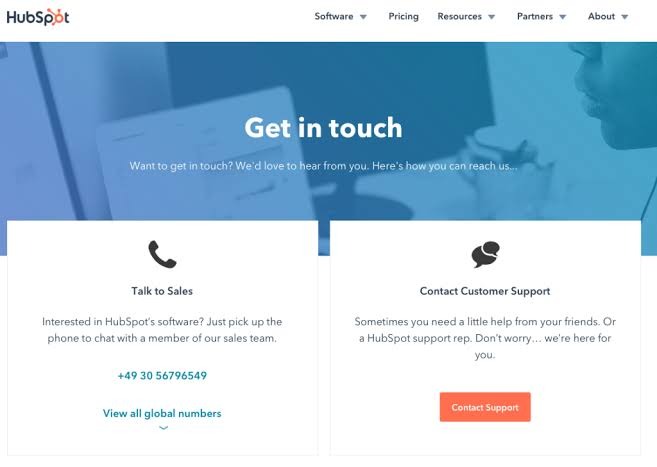
- Make contact info easy to reach: Give people more than one way to get in touch, like phone, email, and a simple contact form. Put it all on an easy-to-find Contact page, and add a map if you have a physical location.
- Test your site: Run a free accessibility checker like WAVE or Google Lighthouse on your live site, not just your editor. Feedback from users with disabilities can catch issues tools miss.
When people ask what makes a good website, accessibility doesn’t always come up first. But a site everyone can use is a site more people can buy from.
What Should a Website Include? A Quick Checklist
So, what should a website include? Use this checklist of good website features to review your site:
- A simple menu with clear labels and no broken links
- Useful, accurate content that’s updated regularly
- Reviews or testimonials from real customers
- Page titles, meta descriptions, and keywords that match how people search
- A clean, on-brand design with readable fonts
- Relevant images and video that don’t slow the page down
- A clear call to action on every page
- A secure site that works on phones, tablets, and desktops
- Accessibility features like alt text, strong color contrast, and keyboard navigation
Go through this list every few months. Successful websites aren’t built once and left alone. Small fixes, like updating an old page or moving a button, add up over time. Ask for user feedback too. A quick survey or a simple question on your contact page can point out problems you’d never spot on your own.
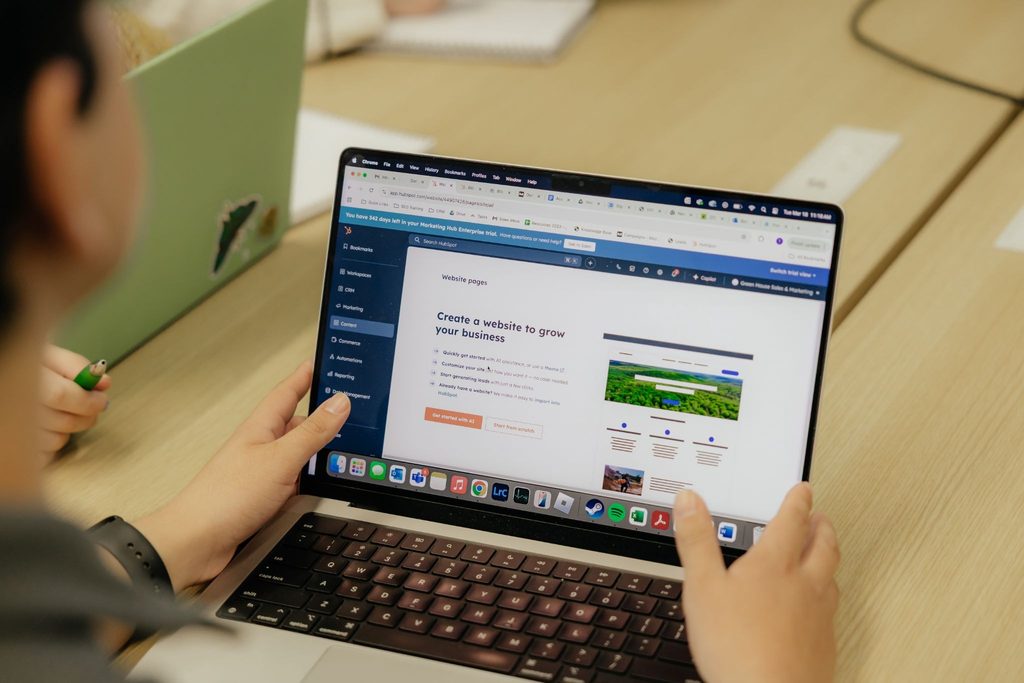
Ready to Build a Better Website?
If you’ve read through these tips on what makes a good website and still aren’t sure where to start with a website for your business, that’s exactly what we do. Green House Sales and Marketing is a digital marketing agency that helps companies build business websites that are easy to use, easy to find, and designed to turn visitors into customers. From web design to SEO, we can help you figure out what’s working and what isn’t. Whether you’re starting from scratch or want a great website to replace the one you have, call us today and let’s start building a successful website the right way.